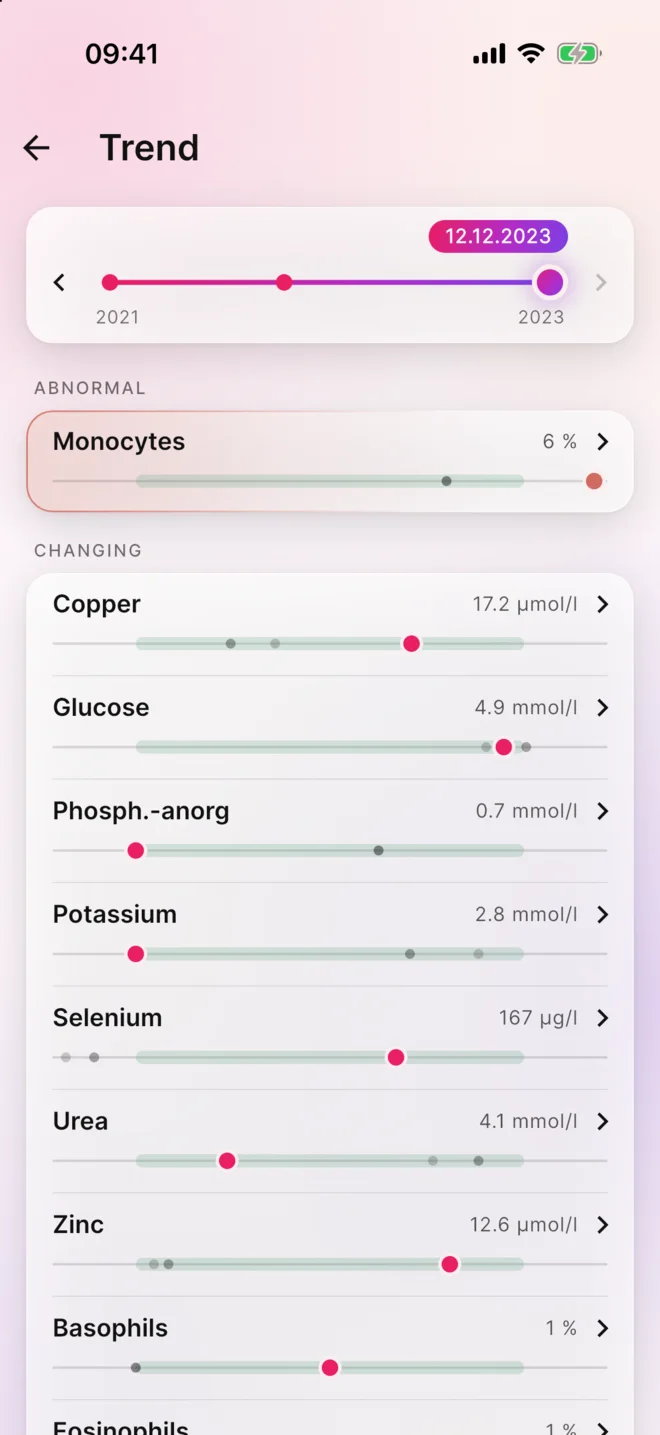
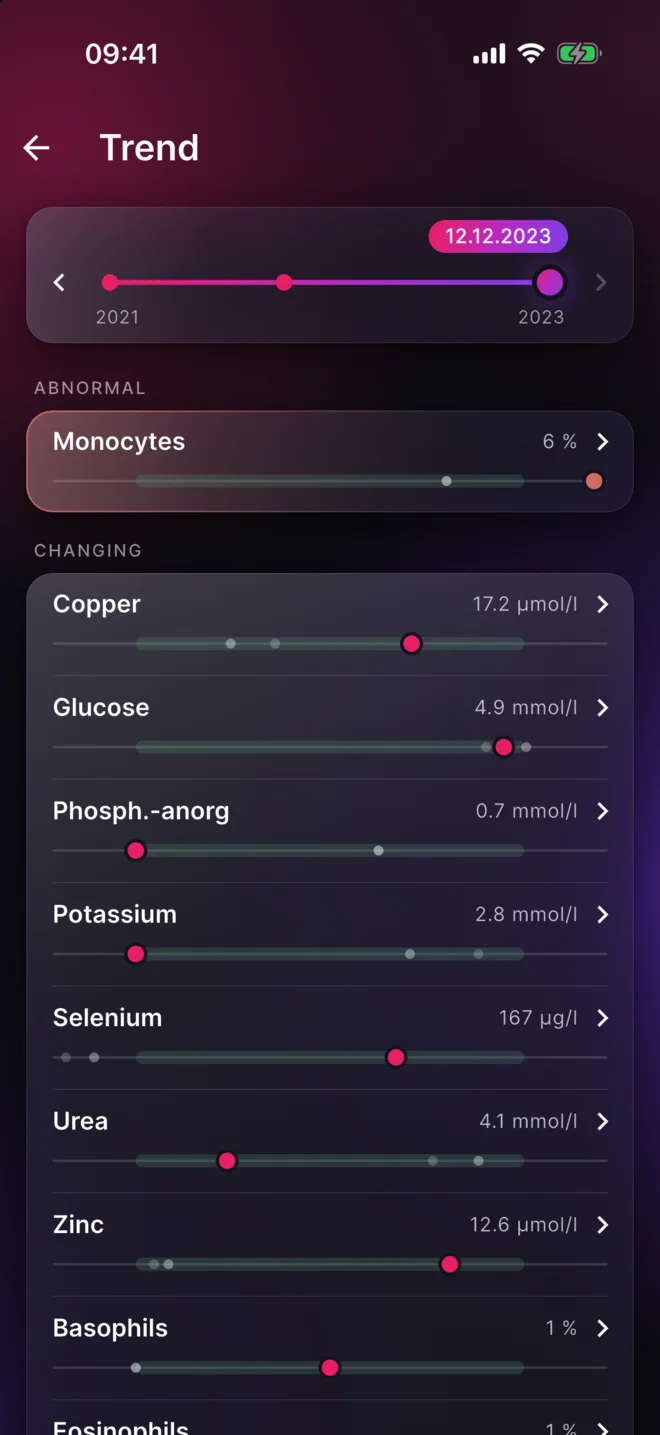
What this Health Block does
AI blood work scan
Select the photos of the report, several pages if needed. The AI reads values, units and reference ranges and you review the result.
42 lab values in eight groups
Haematology, differential count, clinical chemistry, kidney values, electrolytes, trace elements, inflammation markers such as SAA and fibrinogen, and more.
Reference ranges from the report
EQIO uses your lab's reference ranges. If the report has none, built-in default ranges apply.
Abnormal values flagged
Every value is marked as normal, slightly abnormal or clearly abnormal, so you see at once what to raise with your vet.
All reports in one place
A horse's blood work is filed by date in the Health Block. The latest report is quickly at hand in the yard too.
Straight from the practice
If your vet practice is connected to EQIO, it can send blood work directly to the app. These entries are marked as coming from the practice.
How it works
- Open the Lab Health Block in the horse profile.
- Select the photos of the lab report and start the analysis.
- Review and save. Abnormal values are flagged.
Frequently asked questions
Does the app replace my vet's assessment?
No. EQIO compares the values with the reference ranges and flags deviations. What a value means for your horse is for your vet to judge.
What if the AI misreads a value?
You see the result before it is saved. Reports where recognition was uncertain are marked for review.
Which reports are supported?
Currently blood work, from a basic blood count to a full profile with organ and mineral values.