What this Health Block does
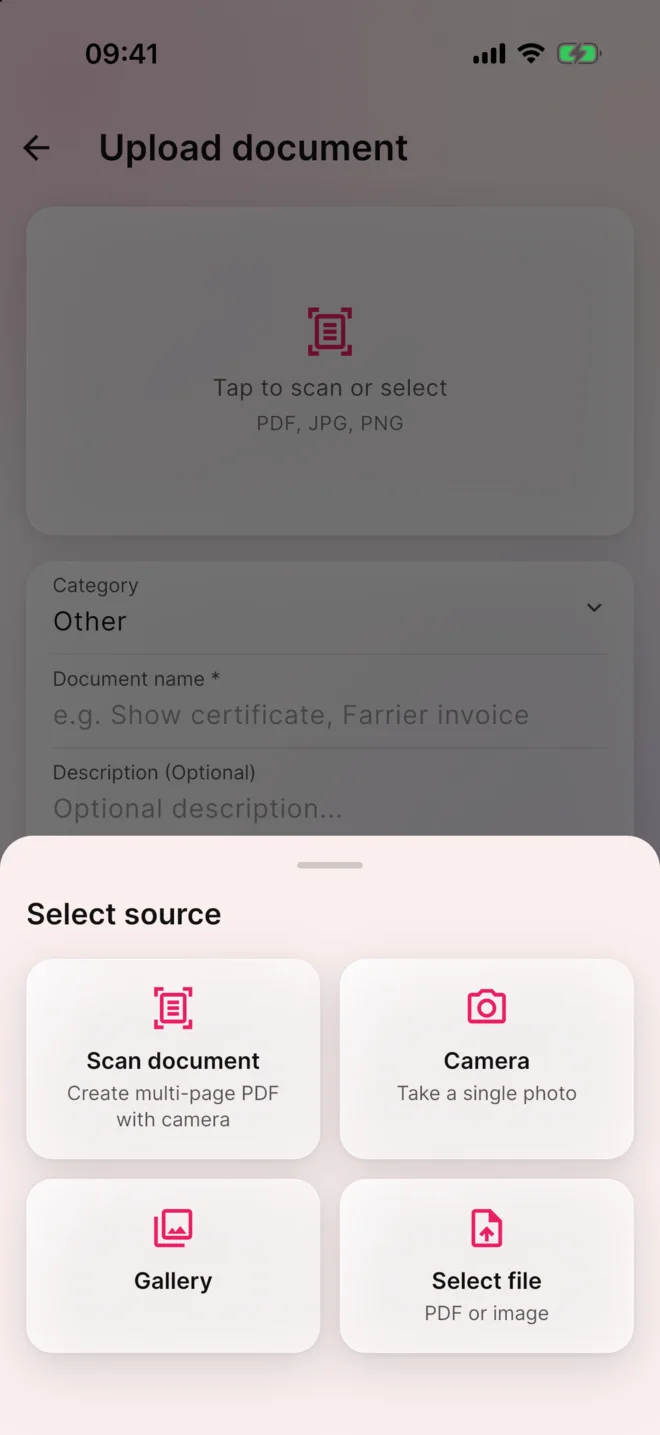
Multi-page scanner
Scan documents with the camera. Several pages become one PDF.
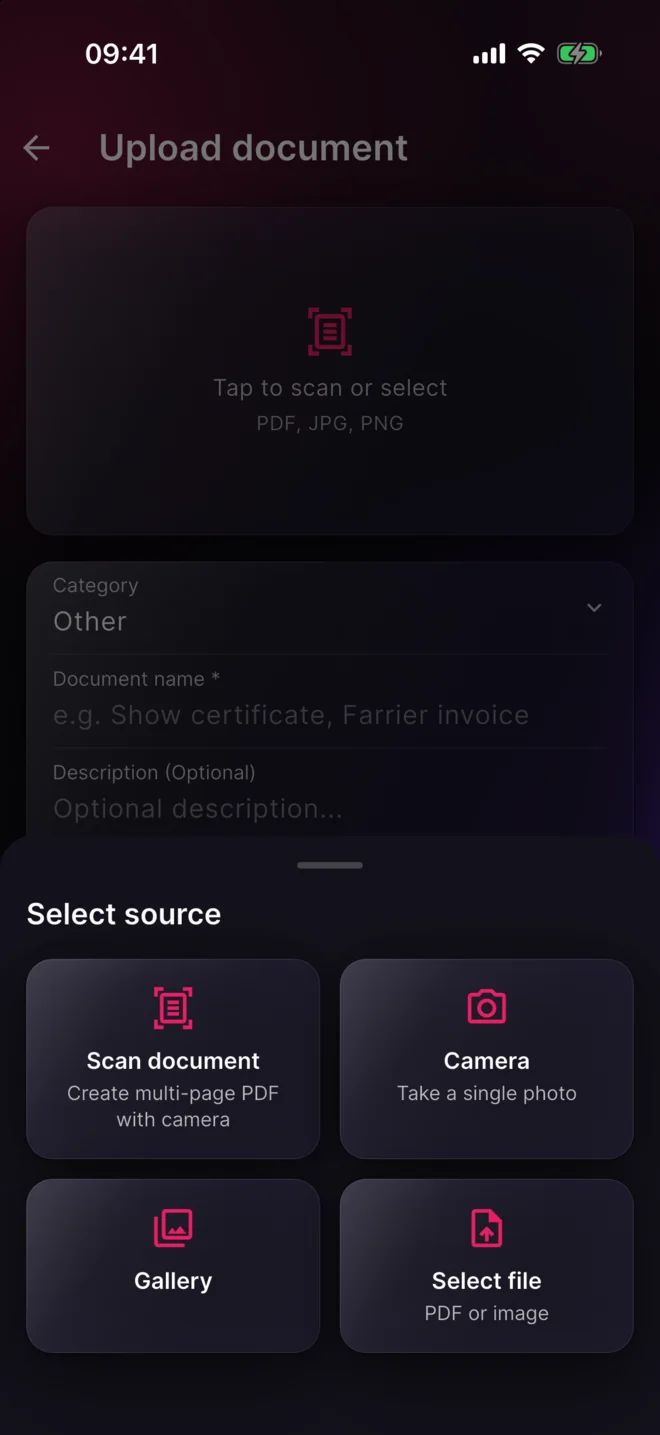
Camera, gallery or file
Besides the scanner you can take photos, pick images from the gallery or upload files (PDF, JPG, PNG, HEIC).
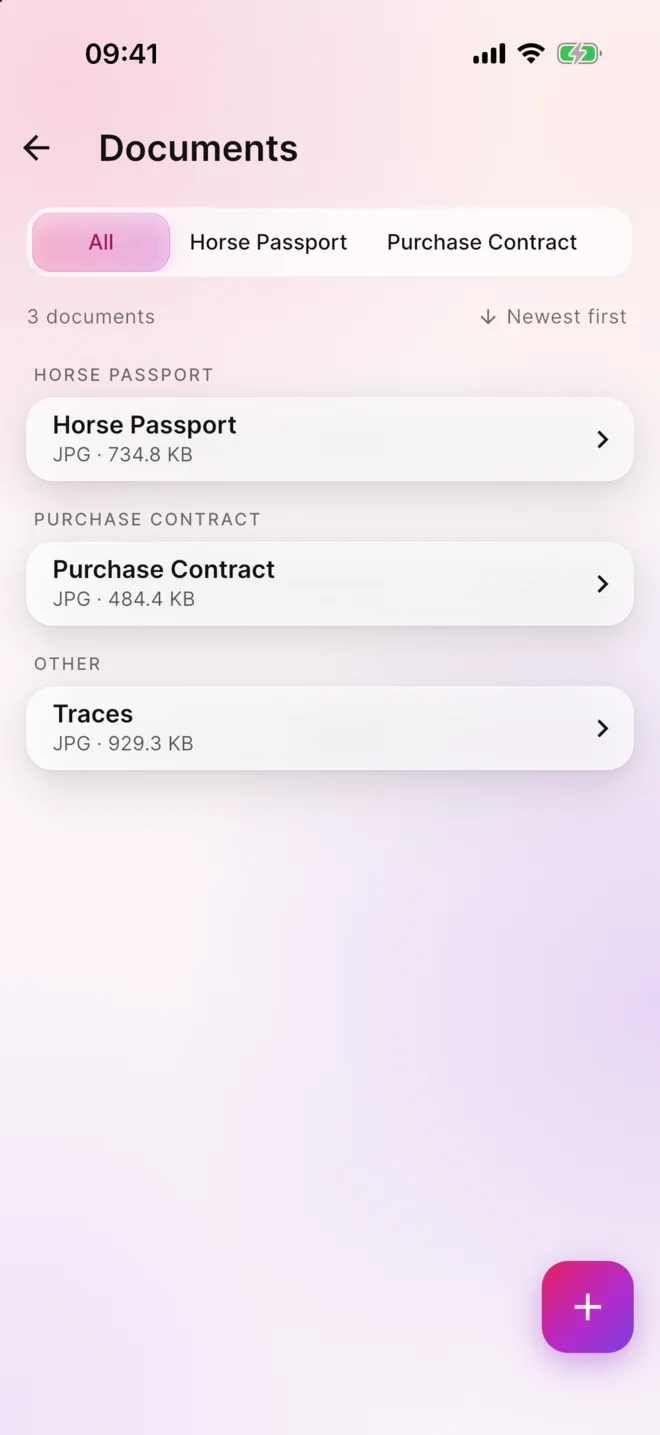
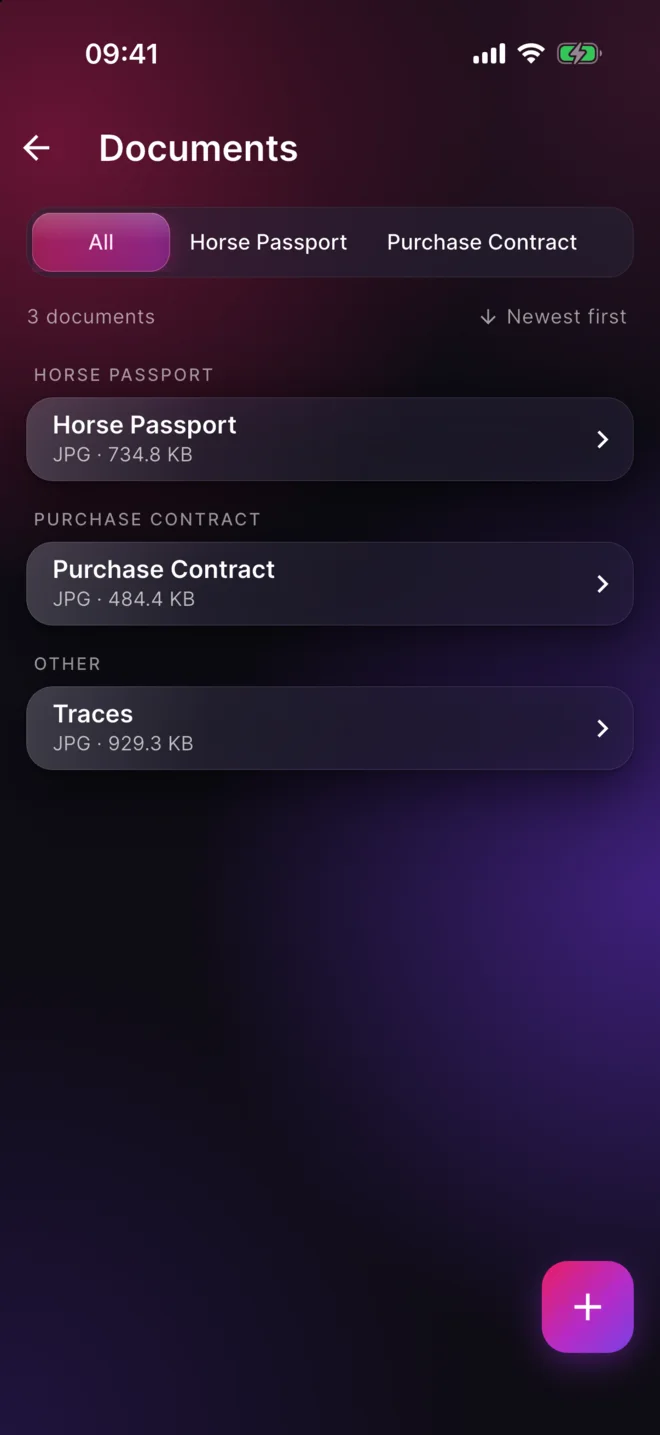
Sorted by category
Passport, insurance, purchase contract, health, registration and other. You will find that policy again two years from now.
Versions
When there is a new edition, such as this year's insurance policy, upload it as a new version. Earlier editions stay in the history.
Share and download
Every document can be shared or downloaded, for example for your vet, insurer or a buyer.
Together with others
Whoever has access to your horse also sees its documents. With the view-only role nobody can change or delete anything.
How it works
- Open the Documents Health Block in the horse profile.
- Scan the document, take a photo or choose a file and assign a category.
- Done. The document is filed with the horse and can be opened and shared at any time.
Frequently asked questions
Where are my documents stored?
On servers in the EU, encrypted in transit. You can delete your account and all data in the app at any time.
Does the scan replace the passport?
No. The original passport has to travel with the horse, for example during transport and at shows. The scan helps when you want to look something up or the passport is lost.
Which file formats work?
PDF, JPG, PNG and HEIC. Scanned pages are saved as a PDF.